
Cobblemon 1.7 update, also known as the Set Course Update, officially introduces the Pokémon riding system. Players can now mount compatible Pokémon by pressing Shift + Right‑Click on a Pokémon and selecting the “Ride” option.
To dismount, it is necessary to press the same key used to “throw selected Pokémon”.
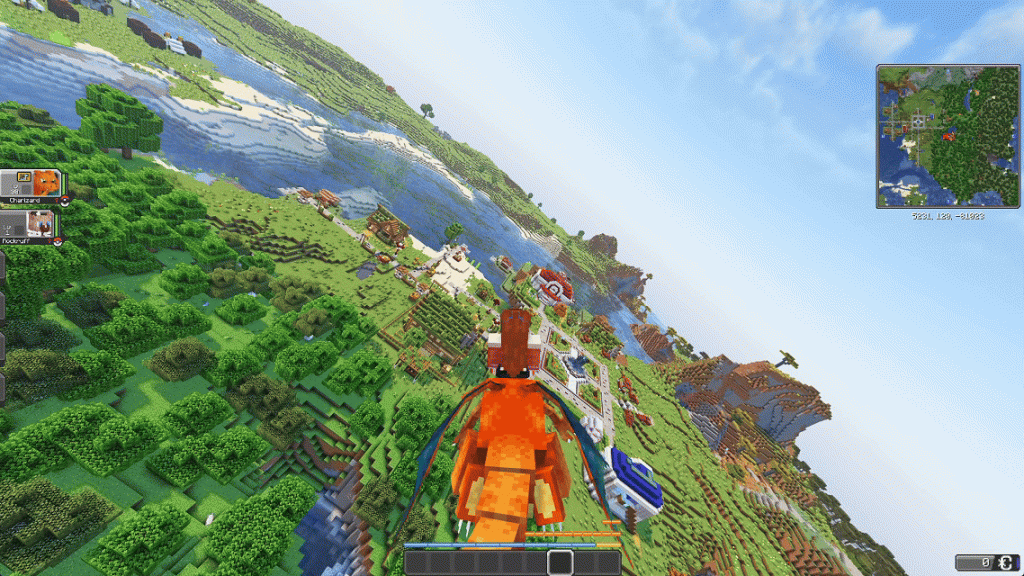
Its riding system is a completely rebuilt framework, not just a vanilla-style mount feature. It includes:
- Distinct animations and physics for land, water, and air mounts
- Camera handling that adjusts depending on the mount type
This design makes exploration much more immersive and flexible than typical riding mods.
If you are using COBBLEVERSE, the camera roll is normally enabled by default.
This provides greater stability during flight, resulting in a smoother and more comfortable experience.
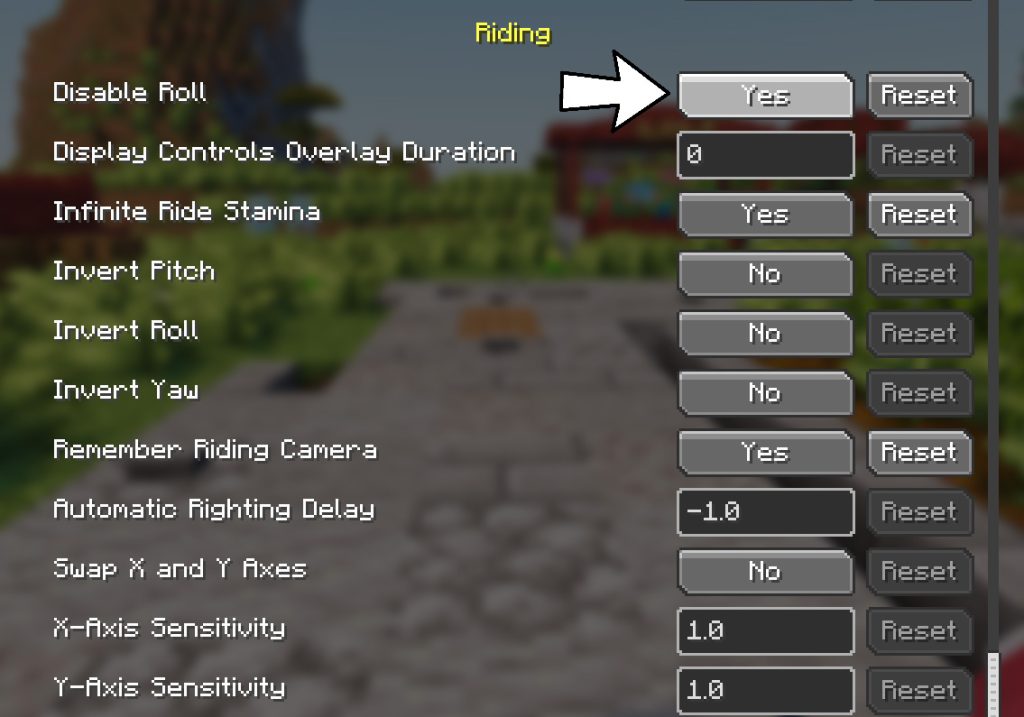
Nevertheless, this feature can be disable in the settings if the player prefers to prevent motion sickness while flying or riding.
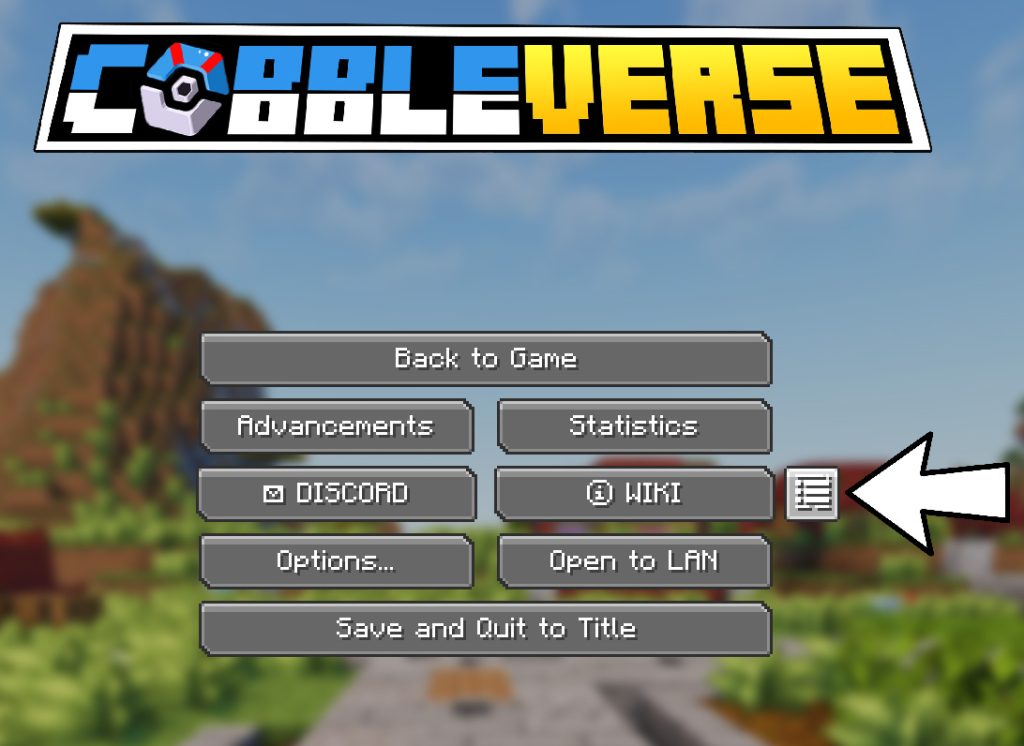
- Open the main menu;
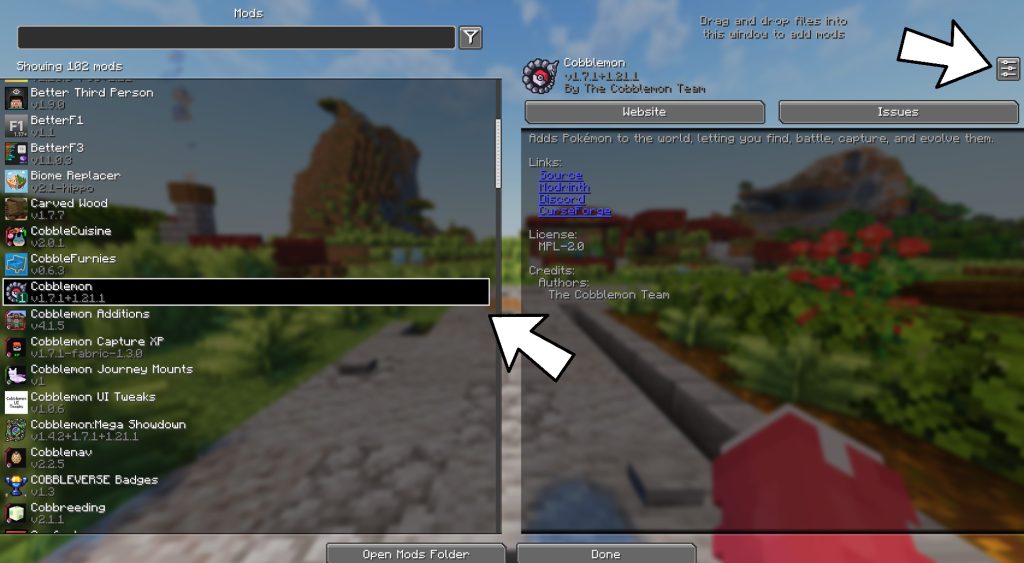
- Go to Mod Settings / Cobblemon Configuration;
- Click Configure under the Cobblemon mod;
- Disable Roll to turn on camera tilt during flying or riding. It’s simple!


